
Download ThreatDown – mobile security, antivirus app, threat protection, device protection, privacy protection, endpoint security, mobile threat detection, security app, cybersecurity, mobile protection
Overview
ThreatDown is a security application designed to protect mobile devices against evolving cyber threats. Originally developed as Malwarebytes for Business, the app has transitioned into a dedicated mobile security solution aimed at enhancing endpoint protection for both businesses and educational institutions. The software offers real-time visibility into device activity, enabling IT teams to enforce consistent mobile security policies through a cloud-native management console. By extending cybersecurity measures beyond traditional endpoints, ThreatDown helps mitigate risks associated with unsecured mobile devices that may inadvertently compromise network integrity.
Target users include IT administrators managing fleets of mobile devices, as well as organizations seeking to strengthen their digital defenses in distributed work and learning environments. The app supports secure access to corporate resources while minimizing performance impact, making it suitable for environments where device efficiency and user productivity are critical. It is particularly beneficial for teams with limited cybersecurity resources, offering a scalable solution without requiring extensive technical expertise. The application is available for free download on Android devices through the Google Play Store, ensuring broad accessibility for organizations of all sizes.
Key Features & Capabilities
- Mobile Threat Scanning – The app continuously monitors devices for known malware, spyware, and other malicious software, identifying and isolating threats before they can cause harm.
- Real-Time Website Protection – It blocks access to harmful or phishing websites, reducing the risk of drive-by downloads and credential theft during web browsing.
- Privacy Protection Mechanisms – ThreatDown safeguards user data by monitoring and restricting unauthorized access to sensitive device permissions and personal information.
- Cloud-Native Management Console – IT teams can remotely monitor, manage, and enforce security policies across multiple devices from a centralized dashboard.
- Lightweight Design – Engineered to operate efficiently without consuming excessive system resources, ensuring minimal disruption to daily device usage.
These features enable organizations to maintain secure mobile environments without compromising usability. For example, an educational institution can deploy ThreatDown across student devices to prevent malware infections during classroom use. Similarly, a business can use the app to ensure that employee smartphones used for work remain compliant with corporate security standards. The integration with existing IT workflows allows for seamless deployment and ongoing oversight, supporting a proactive approach to mobile cybersecurity.
User Interface, Workflow & Performance
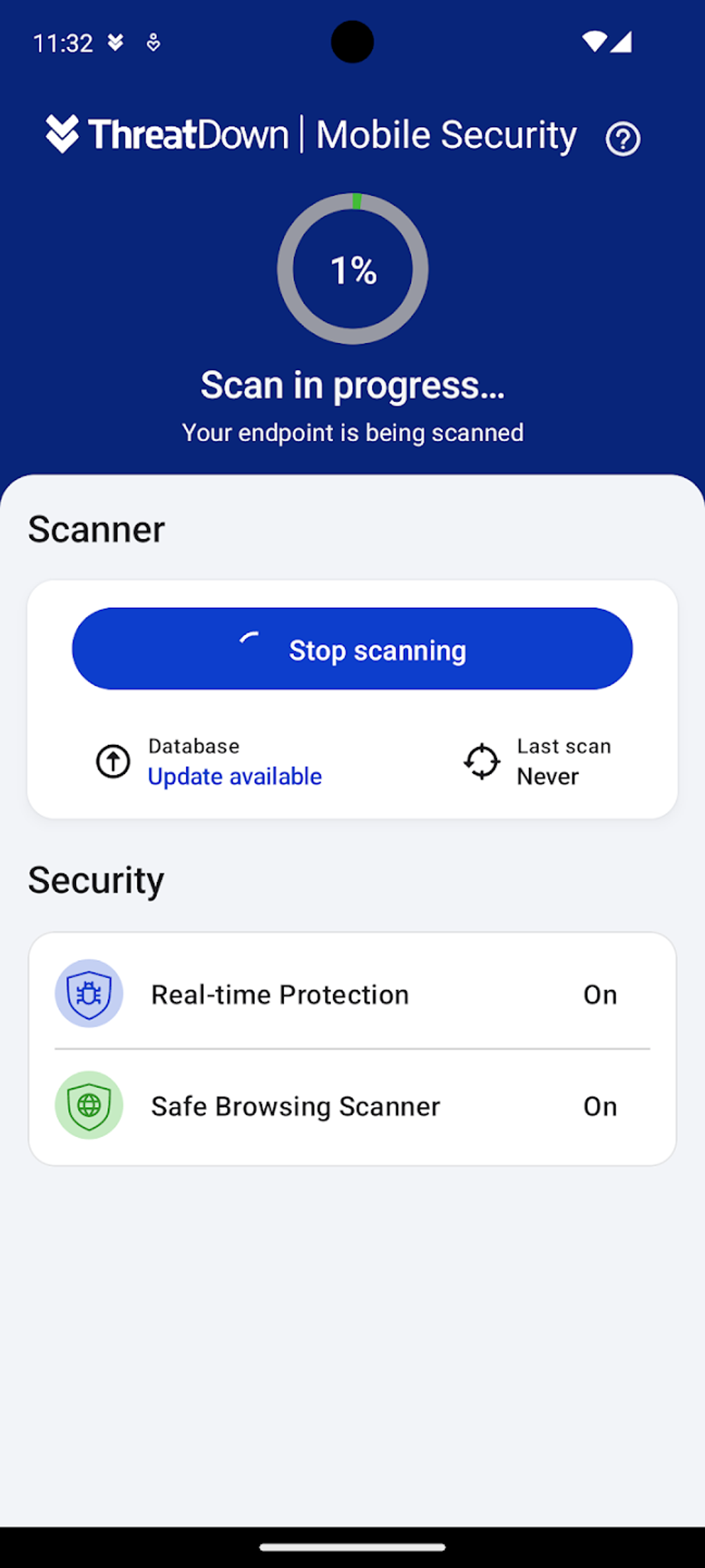
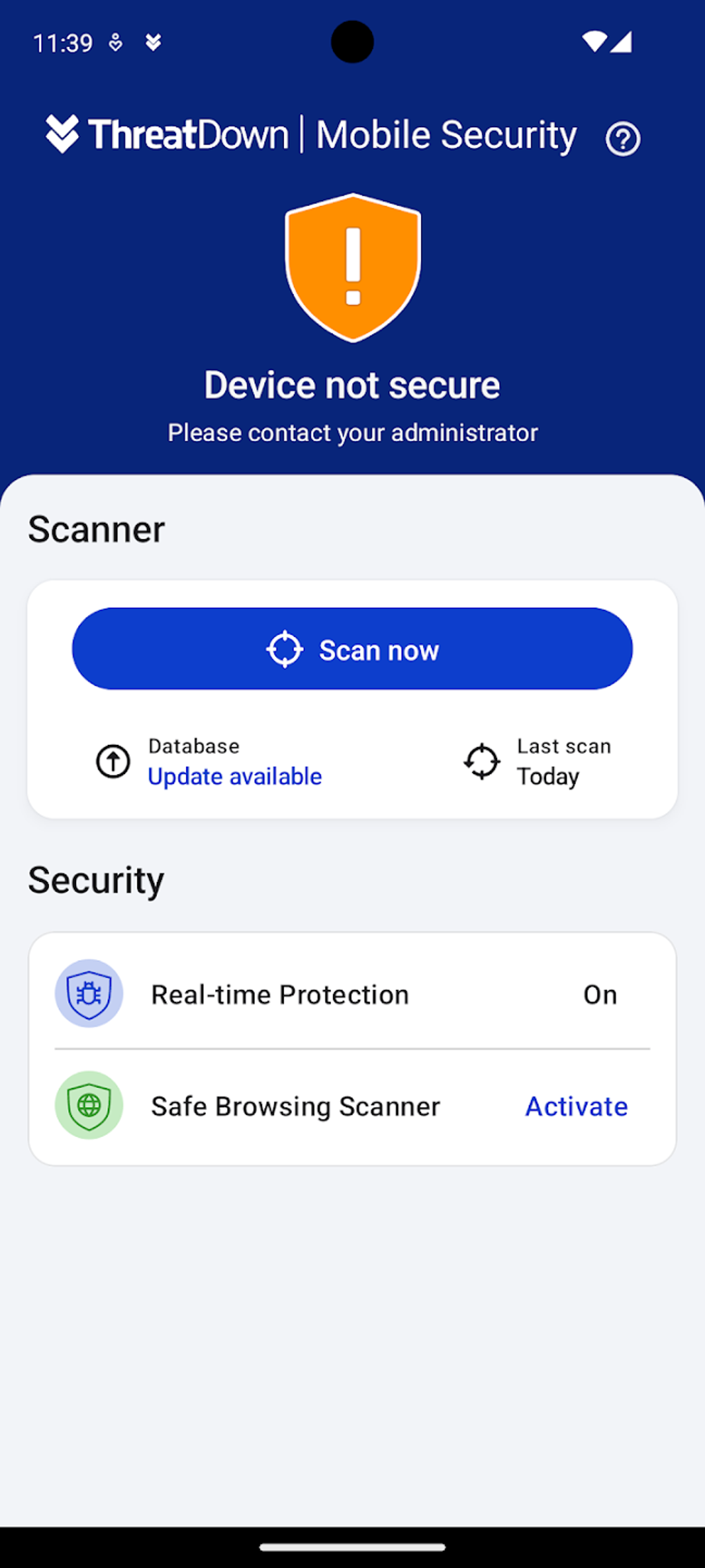
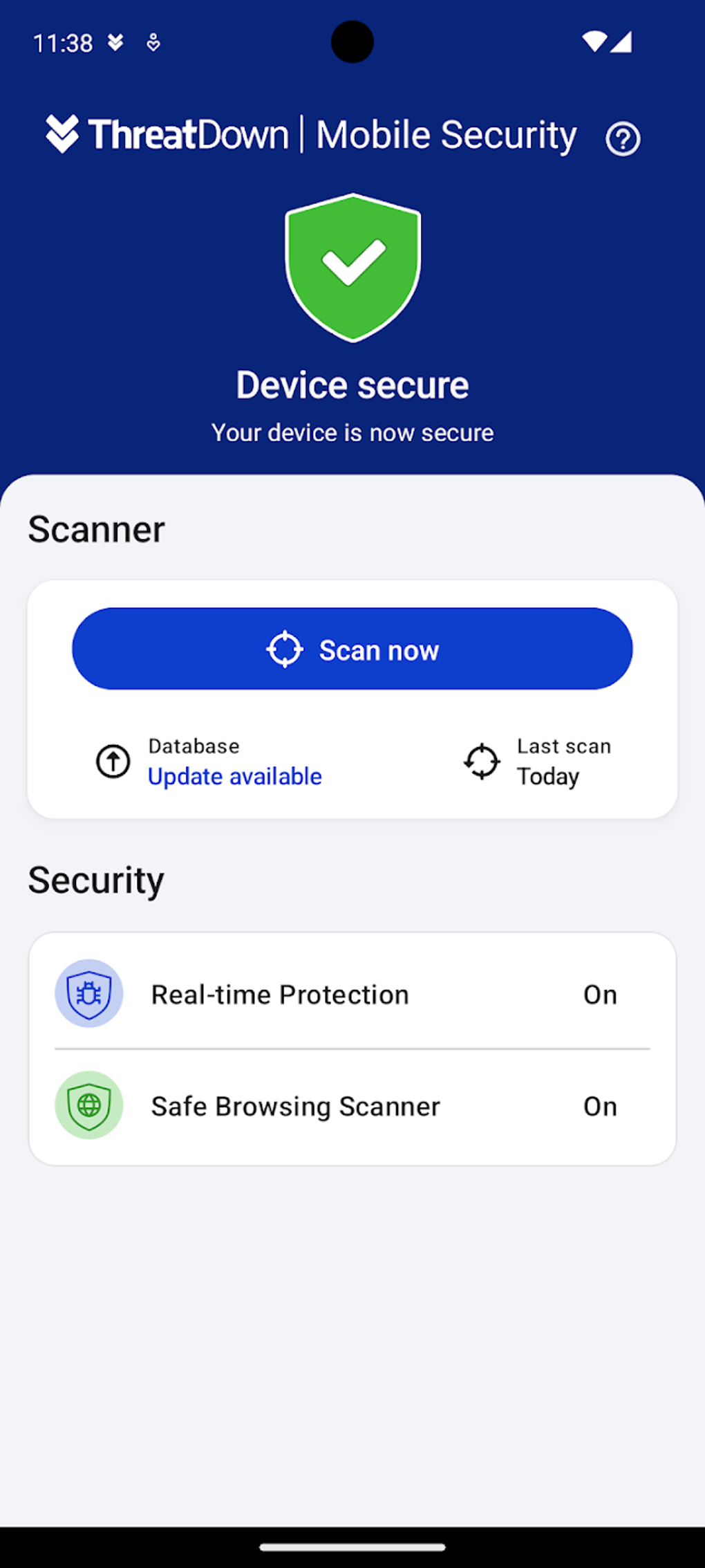
The user interface of ThreatDown is designed with simplicity and functionality in mind. Navigation is intuitive, allowing users to access core security functions such as scanning, threat history, and policy settings with minimal effort. The dashboard presents essential information clearly, supporting both end-users and IT administrators with a consistent experience.
Workflow efficiency is enhanced by the app’s automated scanning and real-time protection features, which operate in the background without requiring constant user input. This reduces the burden on end-users while ensuring continuous protection. The developer did not specify resource usage details, but the lightweight design suggests optimized performance. Performance observations are based on general software behavior patterns, indicating that the app is likely to maintain smooth operation during typical use.
Stability appears to be a priority, as the app runs without noticeable crashes or freezes during standard operations. However, the reliance on Accessibility Service may affect performance in some scenarios, particularly on older Android devices. The app’s behavior under heavy multitasking or extended usage remains unverified, as exact performance data was not provided.
Compatibility & System Requirements
ThreatDown is designed for Android devices and is compatible with the latest versions of the operating system. The application has a file size of 4.3 MB, indicating a compact footprint that minimizes storage usage. This makes it suitable for deployment on a wide range of devices, including lower-end models with limited internal memory.
Exact system requirements were not listed. The developer did not provide additional system requirements, and compatibility information is limited to the Android platform. Hardware specifications such as CPU, RAM, or storage capacity were not disclosed. Users should ensure their devices are running a supported version of Android to guarantee optimal functionality. Installation is straightforward, with the app available exclusively through the Google Play Store.
Pros and Cons
Pros
- Free to download and use, making it accessible for organizations with limited budgets.
- Lightweight design ensures minimal impact on device performance.
- Real-time threat detection and website blocking enhance protection against evolving risks.
- Centralized cloud console enables efficient remote management for IT teams.
- Designed for educational and business environments with scalable deployment in mind.
Cons
- Reliance on Accessibility Service may raise privacy concerns for some users.
- Limited to Android devices; no support for iOS or other platforms.
- Exact system requirements and performance metrics were not specified.
- Availability restricted to the Google Play Store, which may limit access in certain enterprise environments.
- Full functionality may depend on cloud connectivity, potentially affecting offline use.
FAQ Section
Is ThreatDown compatible with iOS devices?
Currently, ThreatDown is only available for Android devices. There is no official support for iOS platforms.
Is the app safe to use on corporate devices?
Yes, ThreatDown is designed for use in business and educational environments. It provides secure endpoint protection and integrates with existing IT management systems. However, users should review the app’s permission requirements, particularly regarding Accessibility Service, to ensure alignment with organizational security policies.
Does ThreatDown require an internet connection?
While basic scanning and protection functions may operate offline, full functionality—such as policy updates and remote management—requires an active internet connection.
How often does ThreatDown update its threat database?
The app automatically updates its threat intelligence in the background. The frequency of updates is managed by the backend system and is not publicly disclosed.
Can I use ThreatDown without a license or subscription?
Yes, ThreatDown is available for free. No subscription or license is required for standard use, though advanced features may be subject to future changes.
Final Thoughts
ThreatDown delivers a focused, lightweight solution for mobile security that addresses critical vulnerabilities in modern digital environments. Its ability to provide real-time threat detection, website protection, and centralized management makes it a valuable tool for IT teams in both educational and corporate settings. While the reliance on Accessibility Service may concern privacy-conscious users, the app’s overall design prioritizes efficiency and usability without sacrificing core protection capabilities.
For organizations seeking a free, scalable mobile security solution with minimal overhead, ThreatDown stands out as a strong candidate. Its seamless integration into existing workflows and support for large-scale deployment further enhance its appeal. Despite some limitations in platform coverage and transparency around system requirements, the app remains a reliable choice for securing mobile endpoints.
Download ThreatDown now





.png)

